Crypto payments are live · Save 5% when you pay with cryptoCrypto payments are live · Get 5% offReal accountsNo password needed30-day refill guarantee
;} %3C/style%3E%3Cpath class='st0' d='M89.7,52c-2.9,0.1-5.8-0.5-8.4-1.6c-2.1-0.9-4-2.5-5.2-4.4c-1.2-1.9-1.8-4.1-1.8-6.4h7.2c0,1,0.3,2,0.8,2.9 c0.6,1,1.6,1.8,2.7,2.3c1.5,0.6,3.1,0.9,4.8,0.9c1.5,0.1,3.1-0.2,4.5-0.8c1.1-0.4,2-1.1,2.7-2c0.6-0.8,0.9-1.8,0.9-2.9 c0-1.3-0.6-2.5-1.7-3.2c-1.6-1-3.4-1.5-5.3-1.5L87.4,35c-3.2-0.1-6.2-1.3-8.6-3.4c-2.2-2-3.3-4.8-3.2-7.7c-0.1-2.2,0.5-4.4,1.7-6.2 c1.2-1.8,2.8-3.1,4.8-4c4.7-1.9,9.9-1.9,14.6,0.1c2,0.9,3.6,2.4,4.8,4.2c1.2,1.9,1.7,4.1,1.7,6.4H96c0-1-0.2-2-0.7-2.8 c-0.5-0.9-1.3-1.7-2.3-2.1c-1.2-0.6-2.5-0.9-3.8-0.8c-1.2,0-2.5,0.2-3.6,0.8c-0.9,0.4-1.6,1.1-2.1,2C83,22.1,82.8,23,82.8,24 c0,1.1,0.5,2.2,1.3,3c1.1,1,2.6,1.5,4.1,1.5l3.2,0.3c2.4,0.1,4.8,0.7,7.1,1.7c1.9,0.8,3.5,2.1,4.7,3.8c1.2,1.7,1.8,3.7,1.7,5.7 c0,2.2-0.6,4.4-1.9,6.3c-1.3,1.9-3.2,3.3-5.3,4.2C95.2,51.5,92.4,52.1,89.7,52z'/%3E%3Cpath class='st0' d='M124.3,52c-2.2,0-4.5-0.4-6.6-1.2c-1.8-0.7-3.4-1.8-4.8-3.2c-1.3-1.3-2.3-2.9-2.9-4.6c-0.7-1.7-1-3.6-1-5.4 v-1.1c0-1.9,0.3-3.8,1-5.5c1.4-3.6,4.3-6.4,7.9-7.8c2-0.8,4.2-1.2,6.4-1.2c2.2,0,4.4,0.4,6.4,1.2c1.8,0.7,3.5,1.8,4.8,3.2 c1.3,1.3,2.3,2.9,3,4.6c0.7,1.7,1,3.6,1,5.5v1.1c0,1.9-0.3,3.7-1,5.4c-0.7,1.7-1.7,3.3-3,4.6c-1.4,1.4-3,2.5-4.8,3.2 C128.7,51.6,126.5,52,124.3,52z M124.3,45.9c1.5,0.1,3.1-0.4,4.4-1.2c1.2-0.8,2.2-1.9,2.8-3.1c0.7-1.4,1-3,0.9-4.5 c0-1.6-0.3-3.1-1-4.5c-0.6-1.3-1.6-2.4-2.8-3.2c-1.3-0.8-2.8-1.2-4.3-1.2c-1.5,0-3.1,0.4-4.4,1.2c-1.2,0.8-2.2,1.9-2.8,3.2 c-0.7,1.4-1,3-1,4.5c0,1.6,0.3,3.1,1,4.5c0.6,1.3,1.6,2.4,2.8,3.1C121.2,45.5,122.7,45.9,124.3,45.9L124.3,45.9z'/%3E%3Cpath class='st0' d='M157.1,52c-2.2,0-4.3-0.4-6.3-1.2c-1.7-0.8-3.2-1.9-4.4-3.3c-1.2-1.4-2.1-3-2.6-4.7c-0.6-1.7-0.9-3.5-0.9-5.3 v-1c0-1.9,0.3-3.7,0.9-5.4c0.6-1.7,1.5-3.3,2.7-4.6c1.2-1.4,2.7-2.5,4.4-3.2c4.1-1.7,8.7-1.6,12.8,0.2c1.9,0.9,3.5,2.2,4.6,3.9 c1.2,1.7,1.8,3.8,1.9,5.9h-7c-0.2-1.4-0.8-2.6-1.8-3.6c-1.2-1-2.8-1.6-4.3-1.5c-1.4,0-2.7,0.4-3.9,1.1c-1.1,0.8-1.9,1.9-2.4,3.1 c-0.5,1.5-0.8,3-0.8,4.5c0,1.5,0.2,3.1,0.8,4.5c0.4,1.3,1.2,2.4,2.3,3.2c1.2,0.8,2.6,1.2,4,1.1c1.1,0,2.2-0.2,3.2-0.7 c0.9-0.4,1.6-1.1,2.1-1.9c0.6-0.8,0.9-1.7,1-2.7h7c-0.1,2.1-0.8,4.2-2,6c-1.2,1.7-2.8,3.1-4.7,4C161.7,51.6,159.4,52.1,157.1,52z'/%3E%3Cpath class='st0' d='M172.4,28.4V23h11.1v5.4L172.4,28.4z M178.9,19.7c-1.1,0.1-2.3-0.3-3.1-1.1c-0.7-0.8-1-1.8-1-2.8 c0-1,0.3-2,1-2.8c0.8-0.8,2-1.2,3.1-1.1c1.1-0.1,2.3,0.3,3.1,1.1c0.7,0.8,1,1.8,1,2.8c0,1-0.3,2-1,2.8 C181.2,19.4,180,19.8,178.9,19.7z M176.3,51V23h7.2v28H176.3z'/%3E%3Cpath class='st0' d='M197.7,51.7c-1.8,0-3.6-0.3-5.3-1.1c-1.5-0.7-2.7-1.7-3.5-3.1c-0.9-1.5-1.3-3.1-1.3-4.8 c-0.1-1.8,0.4-3.6,1.5-5.1c1.1-1.4,2.6-2.4,4.3-2.9c2.1-0.7,4.3-1,6.5-1h6.4V38h-6.6c-1.4-0.1-2.7,0.3-3.8,1.2 c-1.7,1.7-1.8,4.4-0.1,6.1c0,0,0.1,0.1,0.1,0.1c1.1,0.9,2.4,1.3,3.8,1.2c0.9,0,1.9-0.2,2.8-0.5c0.9-0.4,1.6-1,2.1-1.8 c0.6-1.1,0.9-2.3,0.9-3.6l1.8,2c-0.1,1.8-0.6,3.5-1.4,5c-0.7,1.3-1.9,2.4-3.2,3.1C201.2,51.4,199.4,51.8,197.7,51.7z M206.7,51v-8.3 h-1.2v-9.2c0.1-1.3-0.3-2.6-1.2-3.6c-1-0.9-2.3-1.3-3.6-1.2c-0.9,0-1.9,0-3.1,0l-3.6,0.1c-1.2,0.1-2.3,0.1-3.3,0.2v-6l2.6-0.2 c1-0.1,2-0.1,3.1-0.1s2.1,0,3,0c2.4-0.1,4.9,0.3,7.2,1.1c1.8,0.7,3.3,1.9,4.3,3.5c1.1,2,1.6,4.2,1.5,6.4V51L206.7,51z'/%3E%3Cpath class='st0' d='M215.3,18.7v-5.4H226v5.4H215.3z M218.8,51V13.4h7.2V51H218.8z'/%3E%3Cpath class='st1' d='M232.8,51V13.1h7.3V51H232.8z M239.1,39.5v-6.3h7.3c1.3,0,2.6-0.3,3.7-0.9c1-0.6,1.8-1.4,2.4-2.4 c0.6-1.1,0.8-2.3,0.8-3.5c0-1.3-0.3-2.5-0.8-3.6c-0.5-1-1.3-1.8-2.4-2.4c-1.1-0.6-2.4-0.9-3.7-0.9h-7.3v-6.3h6.7 c2.8-0.1,5.5,0.4,8.1,1.5c2.1,0.9,3.9,2.5,5.1,4.4c1.2,2.1,1.8,4.4,1.8,6.8v0.8c0.1,2.4-0.5,4.7-1.8,6.8c-1.2,2-3,3.5-5.1,4.4 c-2.5,1.1-5.3,1.6-8.1,1.5L239.1,39.5z'/%3E%3Cpath class='st1' d='M271.8,51.7c-1.8,0-3.6-0.3-5.3-1.1c-1.5-0.7-2.7-1.7-3.5-3.1c-0.9-1.5-1.3-3.1-1.3-4.8 c-0.1-1.8,0.4-3.6,1.5-5.1c1.1-1.4,2.6-2.4,4.3-2.9c2.1-0.7,4.3-1,6.5-1h6.4V38h-6.5c-1.4-0.1-2.7,0.3-3.8,1.2 c-1.7,1.7-1.8,4.4-0.1,6.1c0,0,0.1,0.1,0.1,0.1c1.1,0.9,2.4,1.3,3.8,1.2c0.9,0,1.9-0.2,2.8-0.5c0.9-0.4,1.6-1,2.1-1.8 c0.6-1.1,0.9-2.3,0.9-3.6l1.8,2c-0.1,1.8-0.6,3.5-1.4,5c-0.7,1.3-1.9,2.4-3.2,3.1C275.2,51.4,273.5,51.8,271.8,51.7z M280.8,51v-8.3 h-1.2v-9.2c0.1-1.3-0.3-2.6-1.2-3.6c-1-0.9-2.3-1.3-3.6-1.2c-0.9,0-1.9,0-3.1,0l-3.6,0.1c-1.2,0.1-2.3,0.1-3.3,0.2v-6l2.6-0.2 c1-0.1,2-0.1,3.1-0.1s2.1,0,3,0c2.4-0.1,4.9,0.3,7.2,1.1c1.8,0.7,3.3,1.9,4.3,3.6c1.1,2,1.6,4.2,1.5,6.4V51L280.8,51z'/%3E%3Cpath class='st1' d='M292.6,51V23h5.7v12h-0.5c-0.1-2.4,0.3-4.9,1.1-7.1c0.6-1.8,1.8-3.3,3.4-4.3c1.7-1,3.6-1.5,5.6-1.5h0.3 c3.3,0,5.9,1.1,7.6,3.2s2.6,5.4,2.6,9.6v16h-7.2V34.3c0.1-1.5-0.5-3-1.5-4.2c-1-1.1-2.5-1.7-4-1.6c-1.6-0.1-3.1,0.5-4.3,1.6 c-1.1,1.2-1.7,2.7-1.6,4.3V51H292.6z'/%3E%3Cpath class='st1' d='M336.2,51.9c-1.9,0-3.7-0.3-5.4-1.1c-1.6-0.7-3.1-1.7-4.3-3c-1.2-1.3-2.2-2.9-2.8-4.6c-0.7-1.8-1-3.7-1-5.7 v-1.1c0-1.9,0.3-3.8,0.9-5.6c0.6-1.7,1.5-3.3,2.7-4.6c1.2-1.3,2.6-2.4,4.2-3.1c1.7-0.8,3.6-1.1,5.4-1.1c2,0,4,0.4,5.8,1.4 c1.7,1,3.1,2.5,4,4.2c1.1,2.2,1.6,4.7,1.6,7.1l-2.1-2.4V13.4h7.2V51h-5.7V39.2h1.3c0,2.5-0.6,4.9-1.8,7.1c-1,1.8-2.4,3.3-4.2,4.3 C340.2,51.5,338.2,52,336.2,51.9z M337.8,45.9c1.3,0,2.7-0.3,3.9-1c1.2-0.7,2.1-1.6,2.8-2.8c0.7-1.3,1.1-2.8,1.1-4.3v-2.1 c0-1.5-0.3-2.9-1.1-4.1c-0.7-1.1-1.7-2-2.8-2.6c-1.2-0.6-2.5-0.9-3.8-0.9c-1.4,0-2.9,0.4-4.1,1.1c-1.2,0.8-2.2,1.8-2.8,3.1 c-0.7,1.5-1,3.1-1,4.7c0,1.6,0.3,3.2,1,4.7c0.6,1.3,1.6,2.3,2.8,3.1C334.9,45.6,336.3,45.9,337.8,45.9L337.8,45.9z'/%3E%3Cpath class='st1' d='M367,51.7c-1.8,0-3.6-0.3-5.3-1.1c-1.5-0.7-2.7-1.7-3.5-3.1c-0.9-1.5-1.3-3.1-1.3-4.8c-0.1-1.8,0.4-3.6,1.5-5.1 c1.1-1.4,2.6-2.4,4.3-2.9c2.1-0.7,4.3-1,6.5-1h6.4V38H369c-1.4-0.1-2.7,0.3-3.8,1.2c-1.7,1.7-1.8,4.4-0.1,6.1c0,0,0.1,0.1,0.1,0.1 c1.1,0.9,2.4,1.3,3.8,1.2c0.9,0,1.9-0.2,2.8-0.5c0.9-0.4,1.6-1,2.1-1.8c0.6-1.1,0.9-2.3,0.9-3.6l1.8,2c-0.1,1.8-0.6,3.5-1.4,5 c-0.7,1.3-1.8,2.3-3.1,3C370.4,51.4,368.7,51.8,367,51.7z M376,51v-8.3h-1.2v-9.2c0.1-1.3-0.3-2.6-1.2-3.6c-1-0.9-2.3-1.3-3.6-1.2 c-0.9,0-1.9,0-3.1,0l-3.6,0.1c-1.2,0.1-2.3,0.1-3.3,0.2v-6l2.7-0.2c1-0.1,2-0.1,3.1-0.1s2.1,0,3,0c2.4-0.1,4.9,0.3,7.2,1.1 c1.8,0.7,3.3,1.9,4.3,3.6c1.1,2,1.6,4.2,1.5,6.4V51L376,51z'/%3E%3Cg id='_Group_'%3E%3Cpath class='st0' d='M23.3,0h17.3c12.9,0,23.3,10.4,23.3,23.3v17.3c0,12.9-10.4,23.3-23.3,23.3H23.3C10.4,63.9,0,53.4,0,40.6V23.3 C0,10.4,10.4,0,23.3,0z'/%3E%3C/g%3E%3Cg id='_Group_2'%3E%3Cpath class='st2' d='M63.9,35.7v4.9c0,12.9-10.4,23.3-23.3,23.3H29L11.5,46.3L52,24L63.9,35.7z'/%3E%3C/g%3E%3Cpath class='st1' d='M31.9,52.8c-7,0-12.2-1-16.1-3.1c-2.4-1.2-4.4-3-5.8-5.3c-1.5-2.5-2.2-5.3-2.1-8.2c0-6,2.6-11.8,7.2-15.8 c4.6-4.2,10.7-6.4,16.9-6.4c6.2,0,12.2,2.2,16.9,6.4c4.5,4,7.2,9.7,7.2,15.8c0.1,2.9-0.7,5.7-2.1,8.2c-1.4,2.3-3.4,4.1-5.8,5.3 C44.2,51.7,38.9,52.8,31.9,52.8z'/%3E%3ClinearGradient id='SVGID_1_' gradientUnits='userSpaceOnUse' x1='18.6133' y1='42.5239' x2='46.8733' y2='18.1239' gradientTransform='matrix(1 0 0 -1 0 66)'%3E%3Cstop offset='0' style='stop-color:%23FFFFFF'/%3E%3Cstop offset='0.57' style='stop-color:%23FDFDFD'/%3E%3Cstop offset='0.84' style='stop-color:%23F5F5F5'/%3E%3Cstop offset='1' style='stop-color:%23ECECEC'/%3E%3C/linearGradient%3E%3Cpath class='st3' d='M52.4,36.1c0,10.2-9.1,13-20.4,13s-20.4-2.8-20.4-13s9.1-18.5,20.4-18.5S52.4,25.9,52.4,36.1z'/%3E%3Cpath class='st1' d='M36.2,40.3c0,1.5-1.9,2.8-4.2,2.8s-4.2-1.3-4.2-2.8s1.9-1.9,4.2-1.9S36.2,38.8,36.2,40.3z'/%3E%3Cpath class='st1' d='M44.2,28.9c-2.8-2.8-6.6-3.5-8.4-1.7s0,4.5,2.8,7.3s5.5,4.7,7.3,2.8S47,31.7,44.2,28.9z'/%3E%3Cpath class='st1' d='M50.9,13.4c-3.6-2.8-8.1-3.1-10-0.7s0.7,5.2,4.3,8s7,4.5,8.8,2.1S54.5,16.2,50.9,13.4z'/%3E%3Cpath class='st1' d='M13,13.4c3.6-2.8,8.1-3.1,10-0.7s-0.7,5.2-4.3,8s-7,4.5-8.8,2.1S9.3,16.2,13,13.4z'/%3E%3Cpath class='st1' d='M19.6,28.9c-2.8,2.8-3.5,6.6-1.7,8.4s4.5,0,7.3-2.8s4.6-5.5,2.8-7.3S22.4,26.1,19.6,28.9z'/%3E%3C/svg%3E)
30-day refill guaranteeNo password needed
30-day refill guaranteeNo password needed
Creators use our YouTube thumbnail size converter whenever a picture is the wrong shape, too small or too big for YouTube.
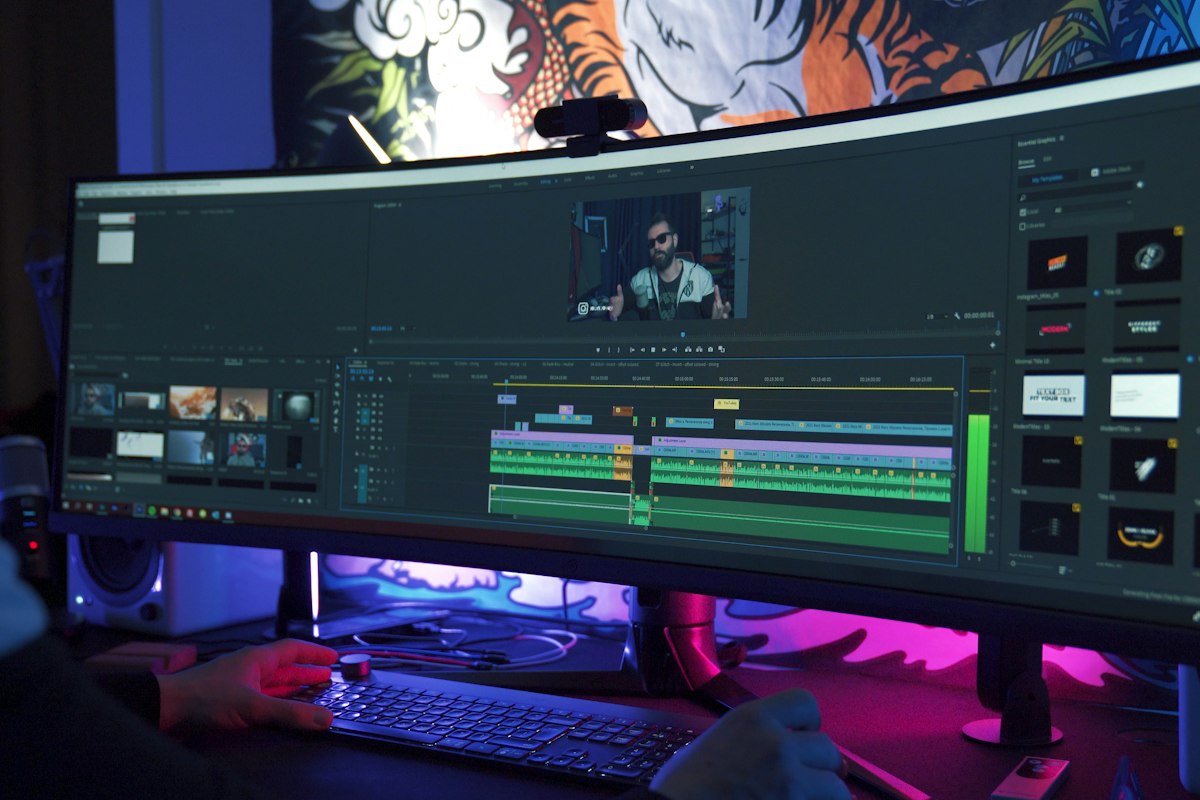
Photos and screenshots are rarely 16:9, so YouTube crops them or adds black bars. Resize the image for a YouTube thumbnail first and it fits perfectly.
Use Crop to fill for a clean, full frame. If something important would be cut off, choose Fit with a blurred background instead.
YouTube only accepts thumbnails up to 2 MB when you upload from a phone. Big designs from Canva or a camera are often larger than that.
Keep “under 2 MB” ticked and our resizer shrinks the file for you while keeping it sharp.
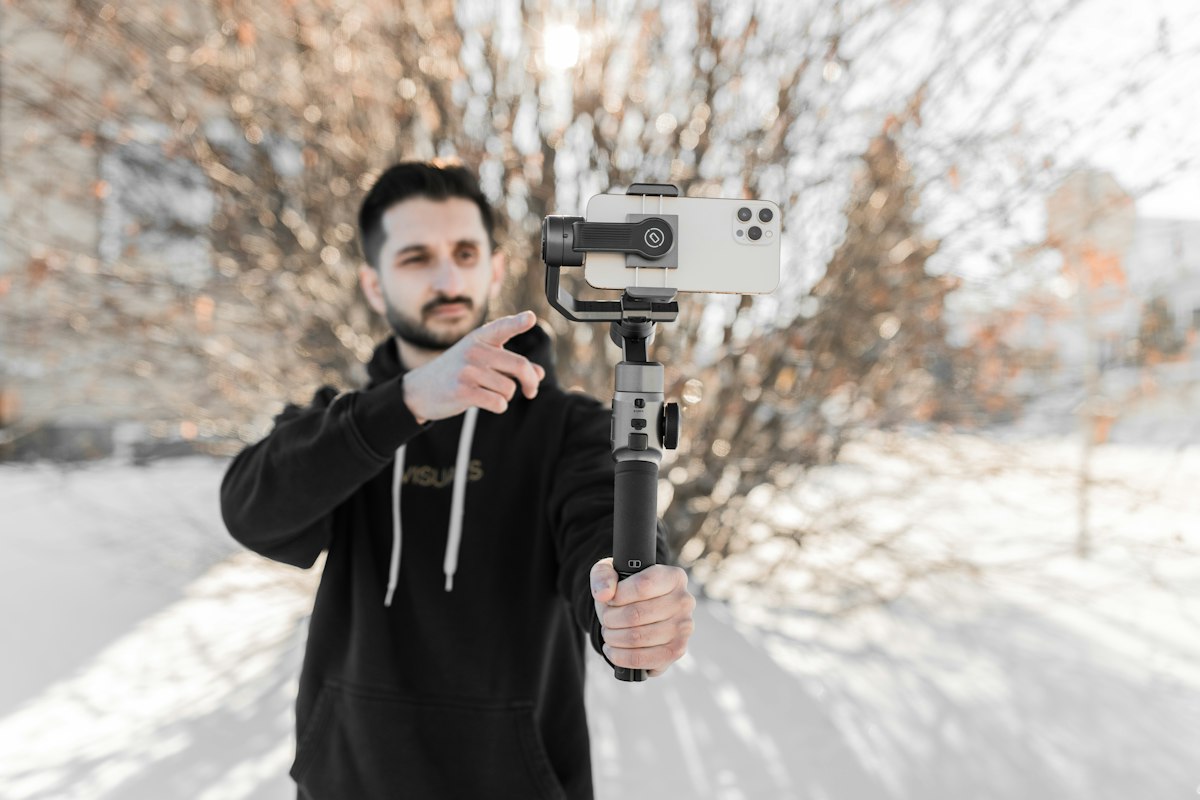
Shorts use a tall 9:16 shape. Pick Shorts – 1080 × 1920 or Shorts 4K and your image is cropped or fitted to the right size.
YouTube says custom Shorts thumbnails can only be added in YouTube Studio on a computer, so save the file where you can reach it there.

YouTube asks for a square 1:1 thumbnail for podcast playlists. Pick the Podcast size to turn any image into a square cover.
Use Fit with a solid background in your brand colour so your logo is never cut off.
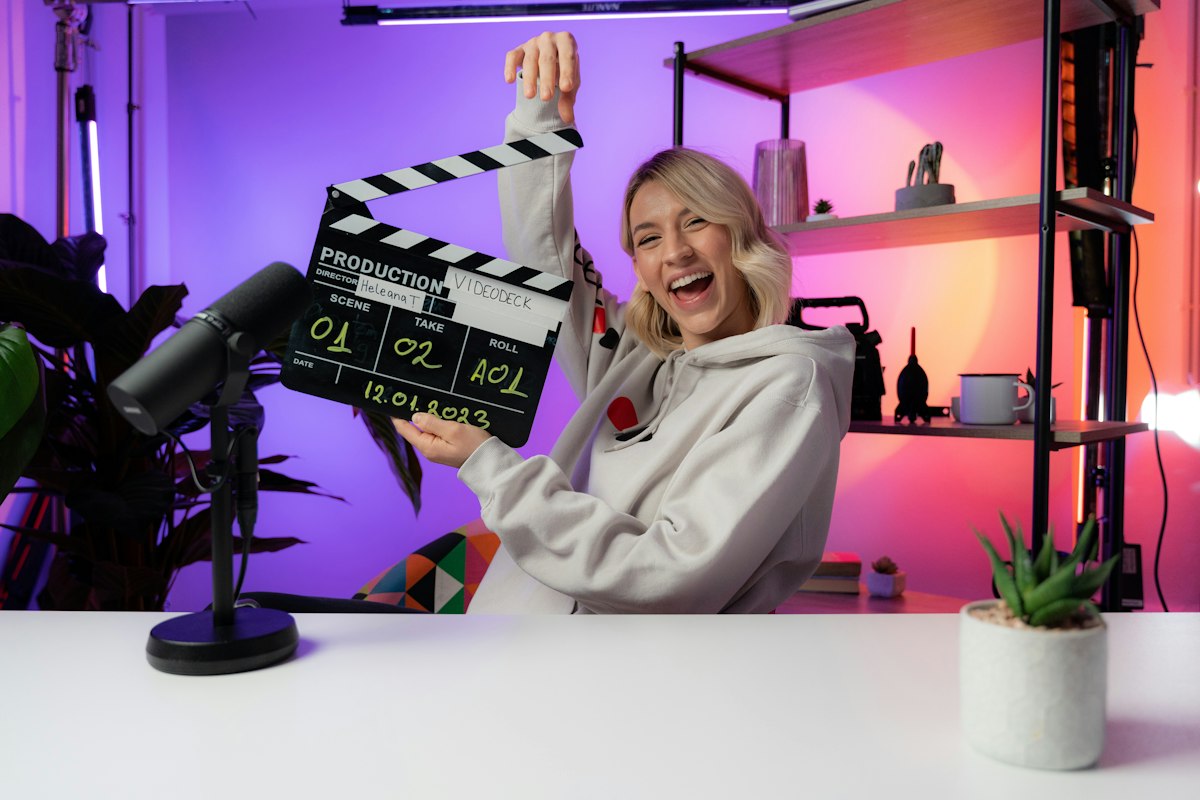
Thumbnails from a few years ago are often small or the wrong size. Save the old one with our YouTube thumbnail downloader, edit it, then resize it here.
A sharper thumbnail can help old videos stand out again in search and suggested videos.
YouTube recommends a thumbnail size of 3840 × 2160 pixels for videos, in a 16:9 shape. The smallest allowed width is 640 pixels.
These are the rules from YouTube’s Help Center. To add a custom thumbnail, your YouTube account also needs to be verified.

The right size is only half the job. These simple habits make thumbnails look great everywhere:
Need an existing thumbnail first? Grab it in HD with our YouTube thumbnail downloader.